|
Sales Categories Report This Help File Page was last Modified on 08/01/2012 |

|

|
|
|
Sales Categories Report This Help File Page was last Modified on 08/01/2012 |
|
|
Sales Categories Report
This Help File Page was last Modified on 08/01/2012
|
Sales Categories Report This Help File Page was last Modified on 08/01/2012 |
|
|
|
|
Sales Categories Report This Help File Page was last Modified on 08/01/2012 |
|
|
| □ | Once defined, you may Preview and/or Print a list of the Sale-Purchase Items that you've defined as either Sale items or Both. |
| • | On the Main Menu, Select Reports, Choose Accounts Receivable, then Click Sales Categories. |
| • | A Preview Report is shown below. |
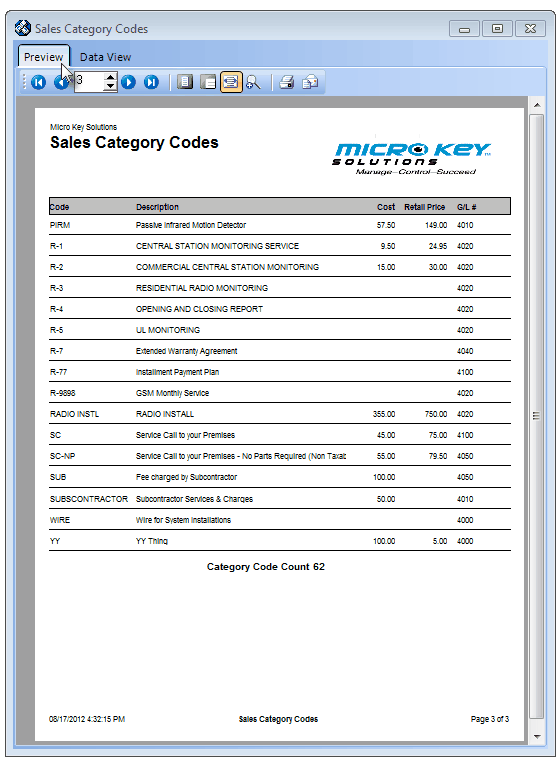
Sales Category Codes - Preview tab
| • | See the Sales Categories List chapter for more information. |